

Troubleshooting
No sound, no ringing, untranslated messages, forgotten password: the checks to make.
My phone does not ring when someone calls
- Check that LibComPlus notifications are allowed: your phone settings › Apps › LibComPlus › Notifications.
- Turn off Do not disturb, or allow LibComPlus to override it.
- Remove LibComPlus from battery-saving restrictions: otherwise the phone may put the app to sleep when the screen is off.
- Do not force-stop the app: a call can only ring if the app is allowed to run in the background.
They cannot hear me, or I cannot hear them
- Check the microphone permission: your phone settings › Apps › LibComPlus › Permissions › Microphone.
- In the call, look at whether Mute is on and try Speaker.
- Turn the phone volume up.
- For a video call, also check the camera permission.
My messages are not translated
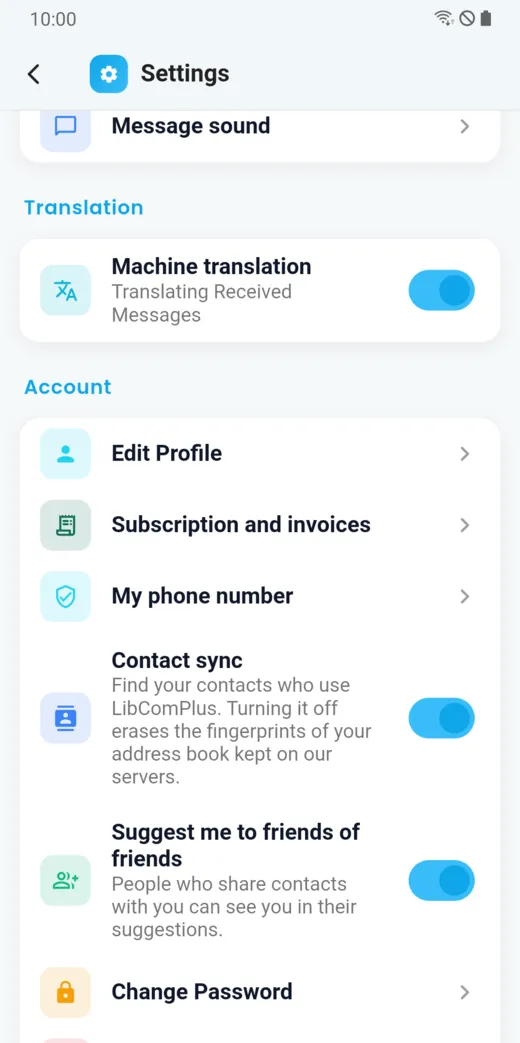
- In Profile › Settings › Translation, check that machine translation is on.
- In Settings › Languages, check your communication language.
- In the conversation, open More options › Translation options: the mode must not be “Original only”. Also check that private mode (no translation) is not on.
- Look at your token balance: some translations use tokens.
I forgot my password
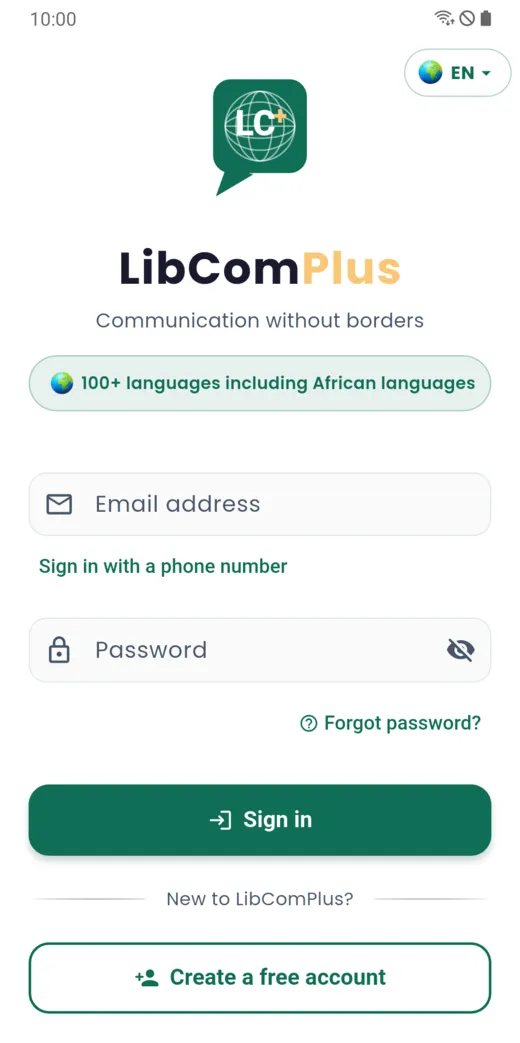
On the sign-in screen, tap Forgot password?. Recovery goes through the recovery address you saved: it is the only way to regain access to an account. If you did not save one, write to [email protected].
The app does not update
The web version updates itself when it opens, when a connection is available. To force the update, close the app completely, then reopen it.
Get help
- In the app: Profile › Help & Support, or Report a problem, which sends your report with the useful context.
- On the site: the Help bubble, at the bottom of every page, answers your questions.
- By email:
[email protected].
When you describe a problem, say what you were doing, what happened and what you expected, your phone model and its Android version, and attach a screenshot if possible.
Doesn’t this page answer your question?
Ask it in the help window, or write to [email protected].
Ask a question